Category: Uncategorized
-
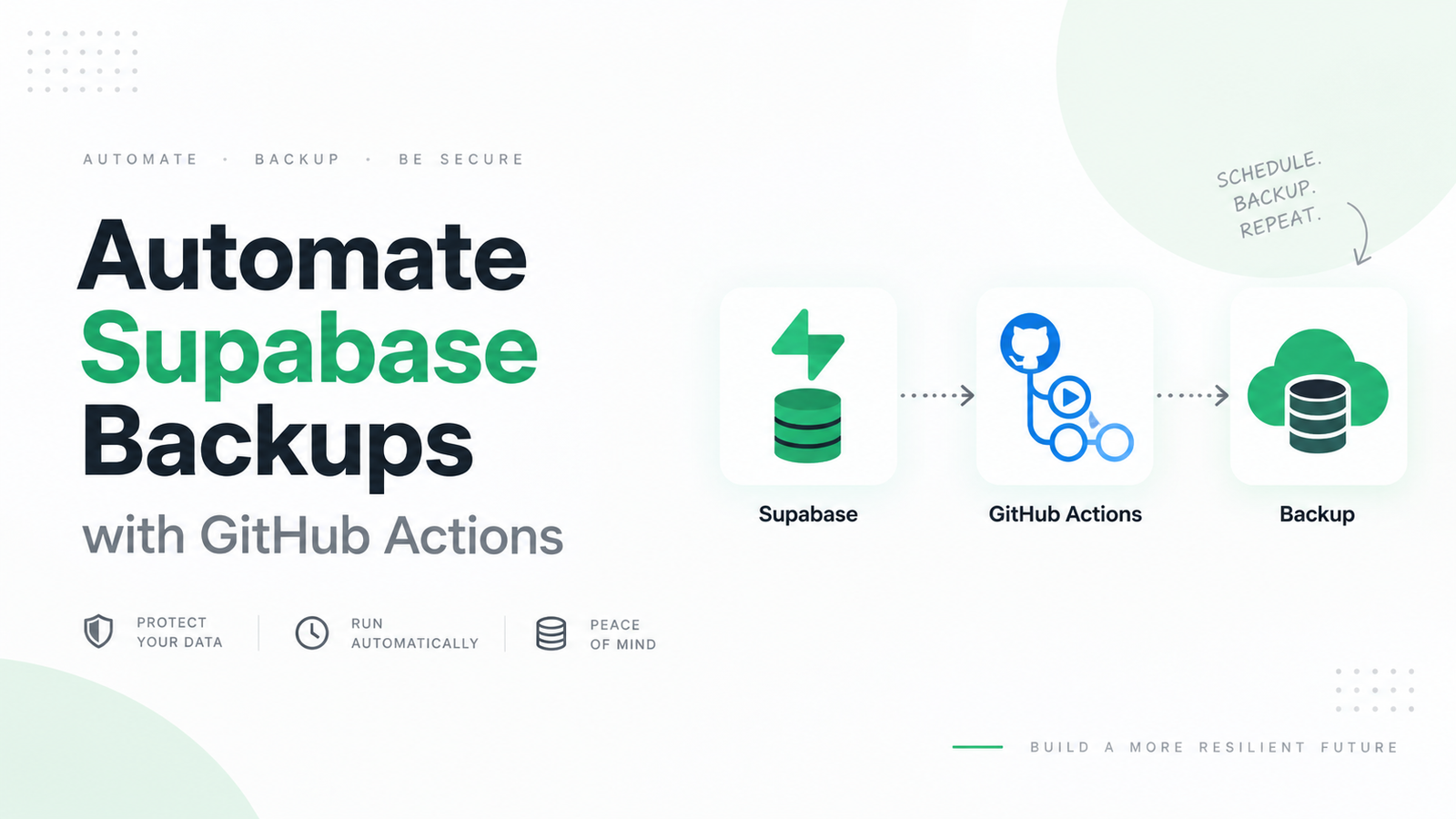
How to Automate Supabase Backups with GitHub Actions
Backing up your Supabase database manually works until the day you forget to do it. If you already keep your project on GitHub, GitHub Actions provides a convenient way to automate Supabase backups on a schedule. A workflow can connect to your database, run the Supabase CLI, create SQL dump files, and store the resulting…
-

How to Restore a Supabase Backup to a New Project
To restore a Supabase backup to a new project, first identify the backup type. Paid projects with physical backups or Point-in-Time Recovery can use Supabase’s Restore to a New Project dashboard feature. For a downloadable .sql, .sql.gz, .dump, or .backup file, create a new Supabase project, enable required extensions, obtain its database connection string, and…
-
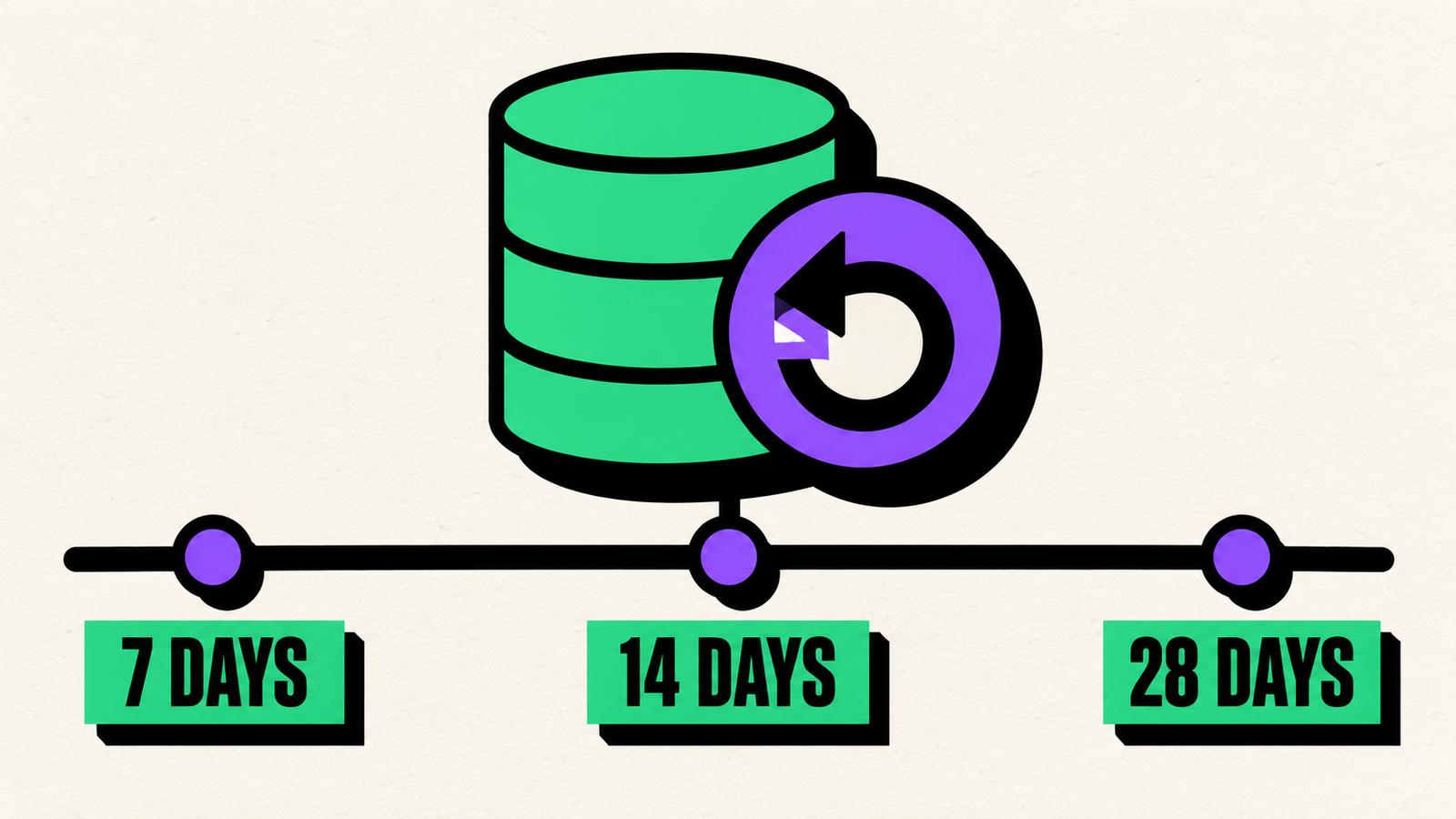
Supabase PITR Pricing Explained: Is 7, 14, or 28 Days Worth It?
Supabase Point-in-Time Recovery costs approximately $100 per month for 7 days, $200 for 14 days, or $400 for 28 days of retention, per project. However, that add-on price is not the complete bill. PITR is available only on paid plans, requires at least a Small compute instance, and is billed separately for every project where…
-
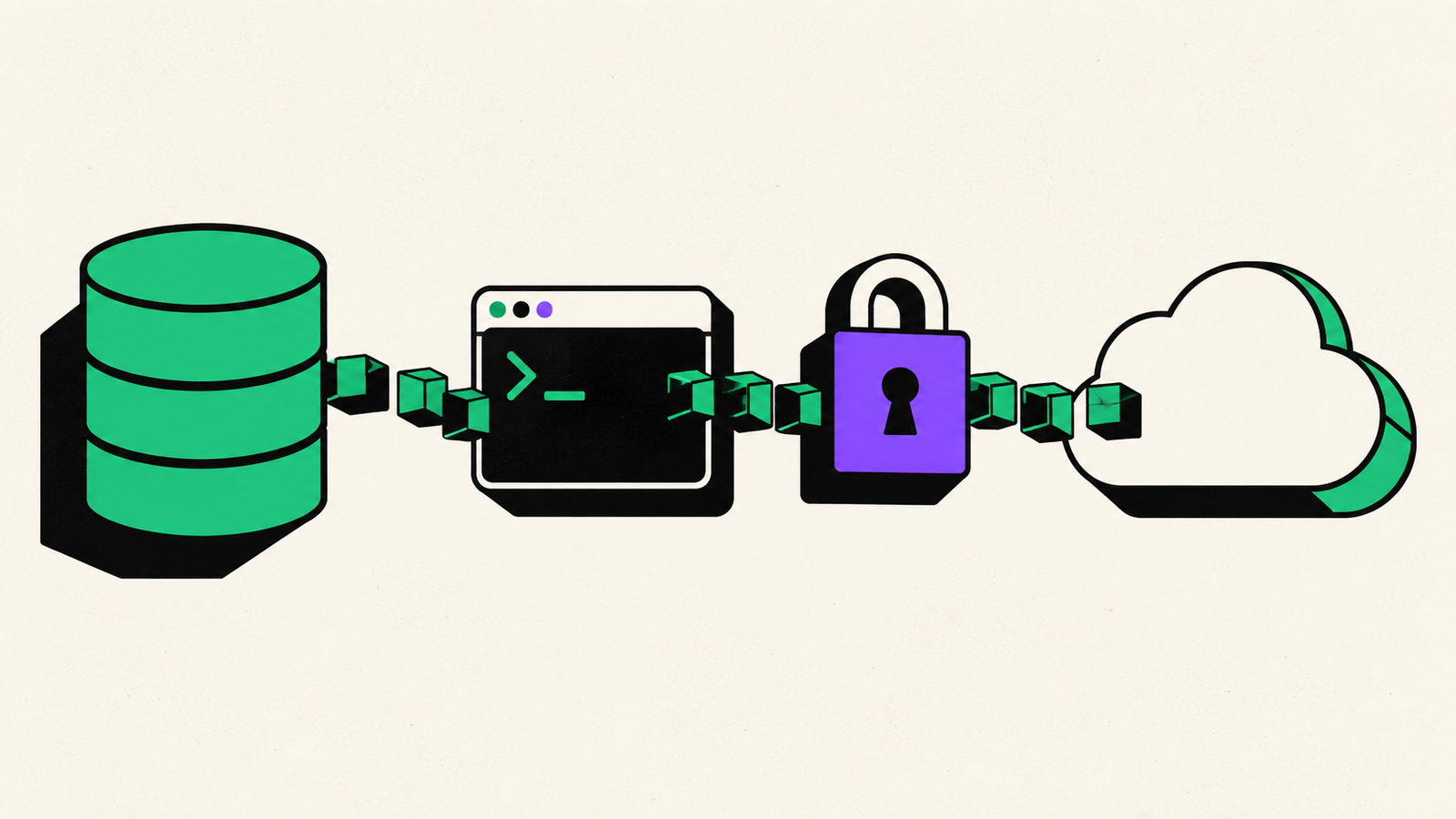
Does Supabase pg_dump Count as Egress? Backup Costs Explained
Yes. When pg_dump runs on a machine outside Supabase and downloads data from your hosted Postgres database, the transferred data counts toward your Supabase egress usage. Supabase defines database egress as data sent from the database to a client. PostgreSQL describes pg_dump as a client application that can connect from a remote host. Put those…
-
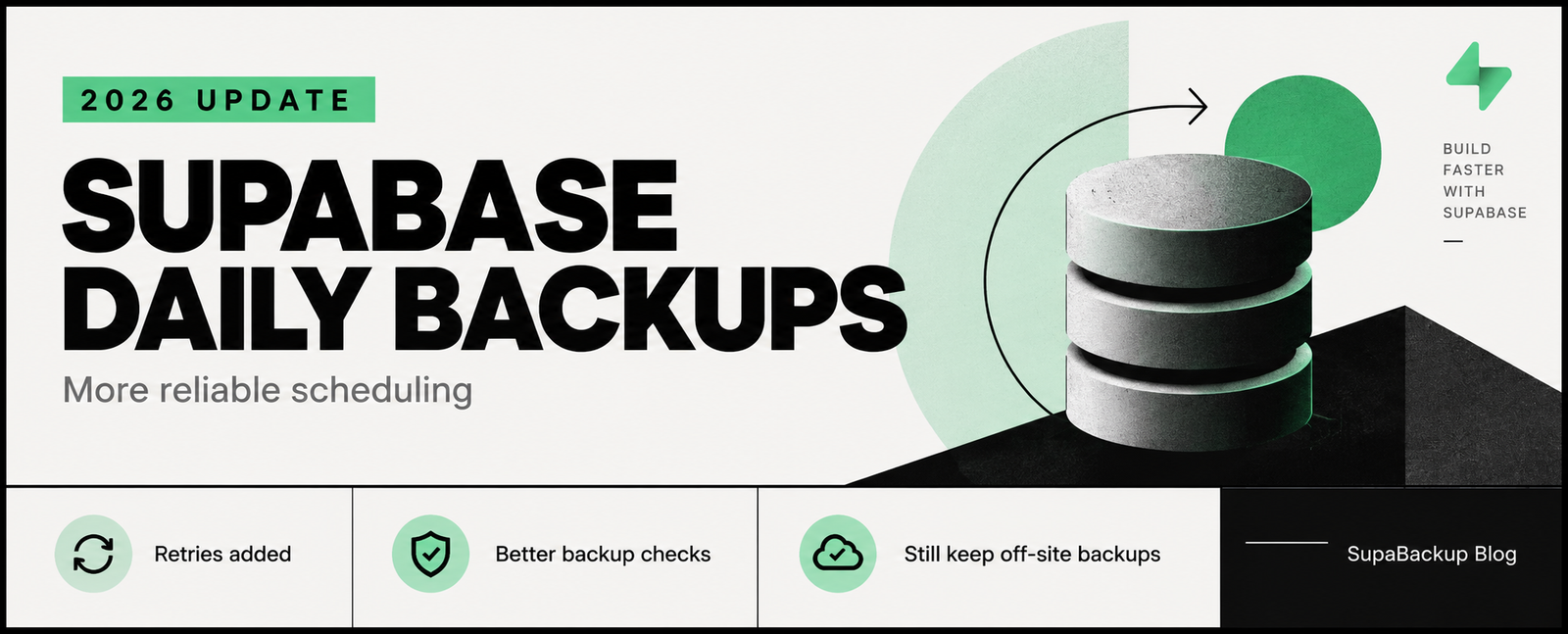
Supabase Daily Backups Changed in 2026: What Developers Should Know
Supabase quietly made an important improvement to its daily backup system in August 2026. A scheduling issue could occasionally cause projects due for a daily backup within a particular 10-minute window to miss that backup. Supabase fixed the problem on August 12, 2026, adding retry behavior and changing how backup eligibility is checked. For developers…
-
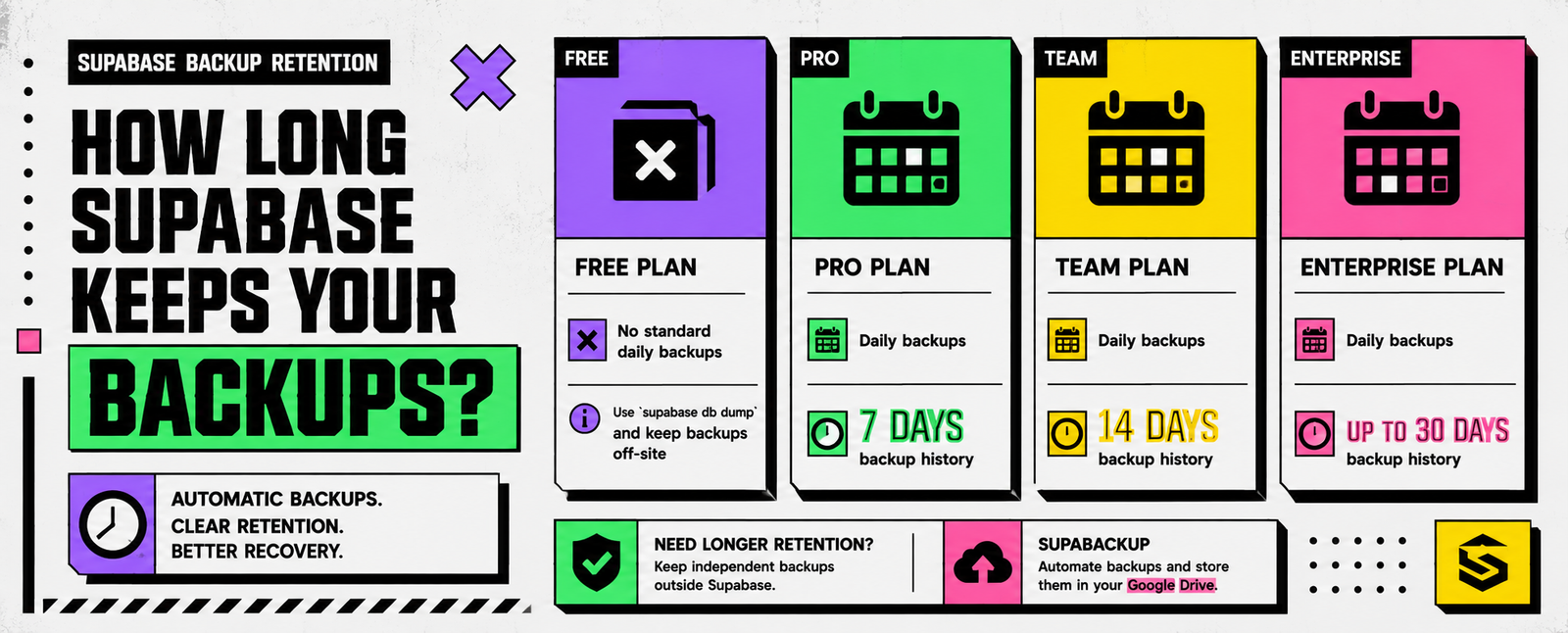
Supabase Backup Retention: How Long Are Backups Kept?
How long does Supabase keep your database backups? As of 2026, Supabase’s standard daily backup retention depends on your plan: Supabase Plan Automatic Daily Backups Backup History Free No standard daily backup history — Pro Yes 7 days Team Yes 14 days Enterprise Yes Up to 30 days Supabase automatically provides daily backups for Pro,…
-
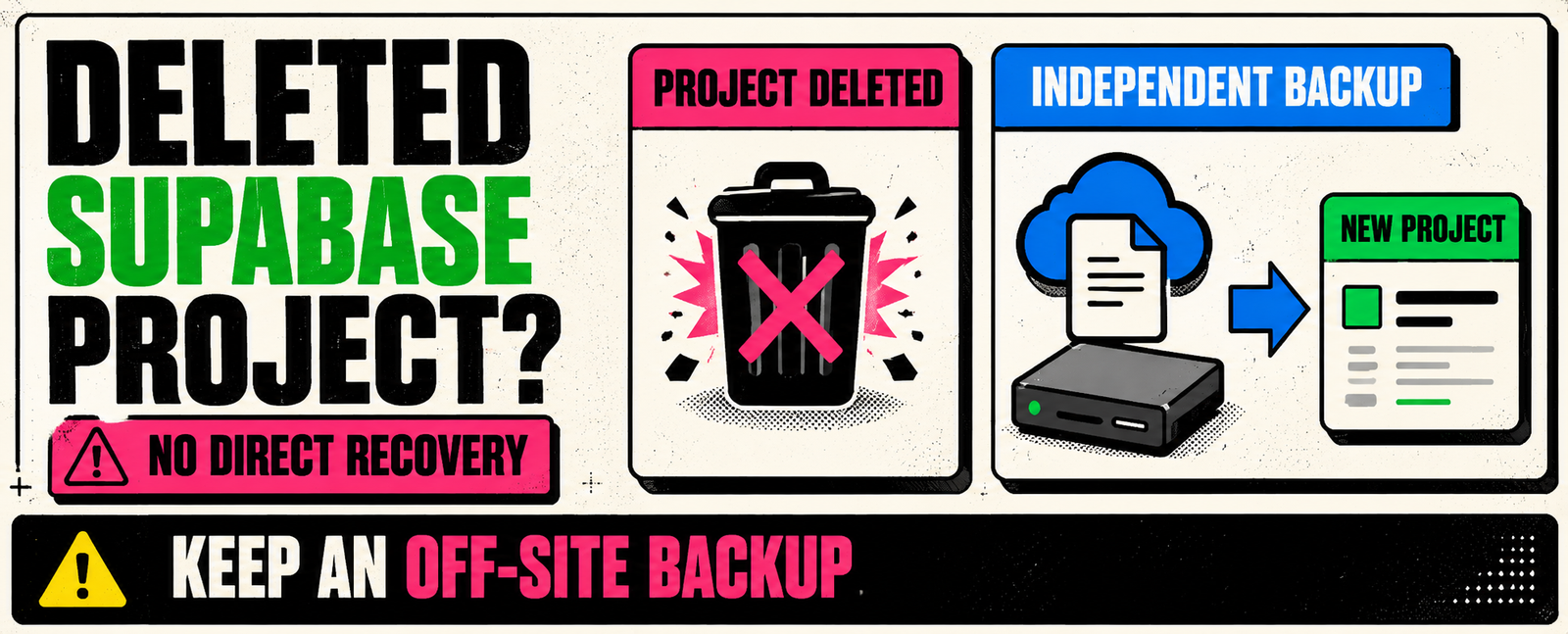
Can You Recover a Deleted Supabase Project? What Happens to Your Backups
If you accidentally deleted a Supabase project, the answer is unfortunately straightforward: A deleted Supabase project cannot be recovered. Supabase states that project deletion is permanent and irreversible. When a project is deleted, its database, Storage objects, backups, authentication data, configuration, API credentials, and other project resources are permanently removed. This also means you cannot…
-
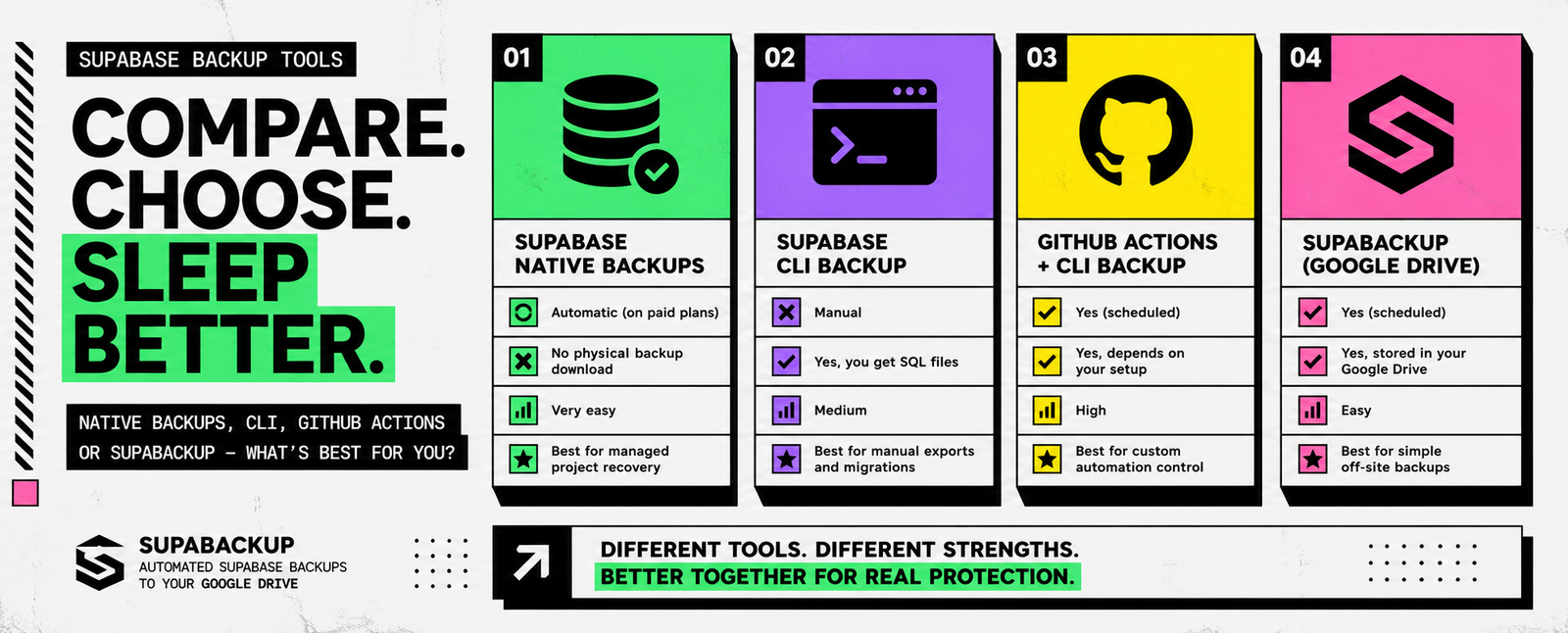
Supabase Backup Tools Compared: Native Backups vs CLI vs GitHub Actions vs SupaBackup
There is no single “best” way to back up a Supabase database. The right option depends on what you actually need. Do you want to quickly restore your production project? Do you need a downloadable database copy? Do you want automatic off-site backups? Or do you want full control over your own backup scripts? For…
-

Supabase CLI Backup Guide: How to Dump Roles, Schema, and Data
Need a portable backup of your Supabase database? The Supabase CLI lets you create a logical database backup using supabase db dump. For a complete backup workflow, Supabase currently recommends exporting your database into three separate files: These files contain your database roles, structure, and actual records. The basic commands are: This is the current…
-

Supabase Physical vs Logical Backups: What Developers Need to Know in 2026
If you use Supabase, you may have noticed that database backups work differently from older tutorials you find online. Some guides show a downloadable backup.gz file. Others tell you to run pg_dump or supabase db dump. Meanwhile, newer Supabase projects use physical backups by default. So which backup type should you actually use? The short…